
Psiphon
Psiphon is a free and open-source internet censorship circumvention tool for Windows that connects you to blocked websites through its own network.
10.8 MB

v2rayN is a free, open-source Windows GUI client by 2dust for Xray, v2ray and sing-box proxy servers, with subscriptions and routing rules.
Average 0.0 · ratings: 0
Thank you! Your rating is saved; you can change it. Could not save the rating. Please try again later. Too many ratings from your network today. Please try again tomorrow. The average appears after 5 ratings.
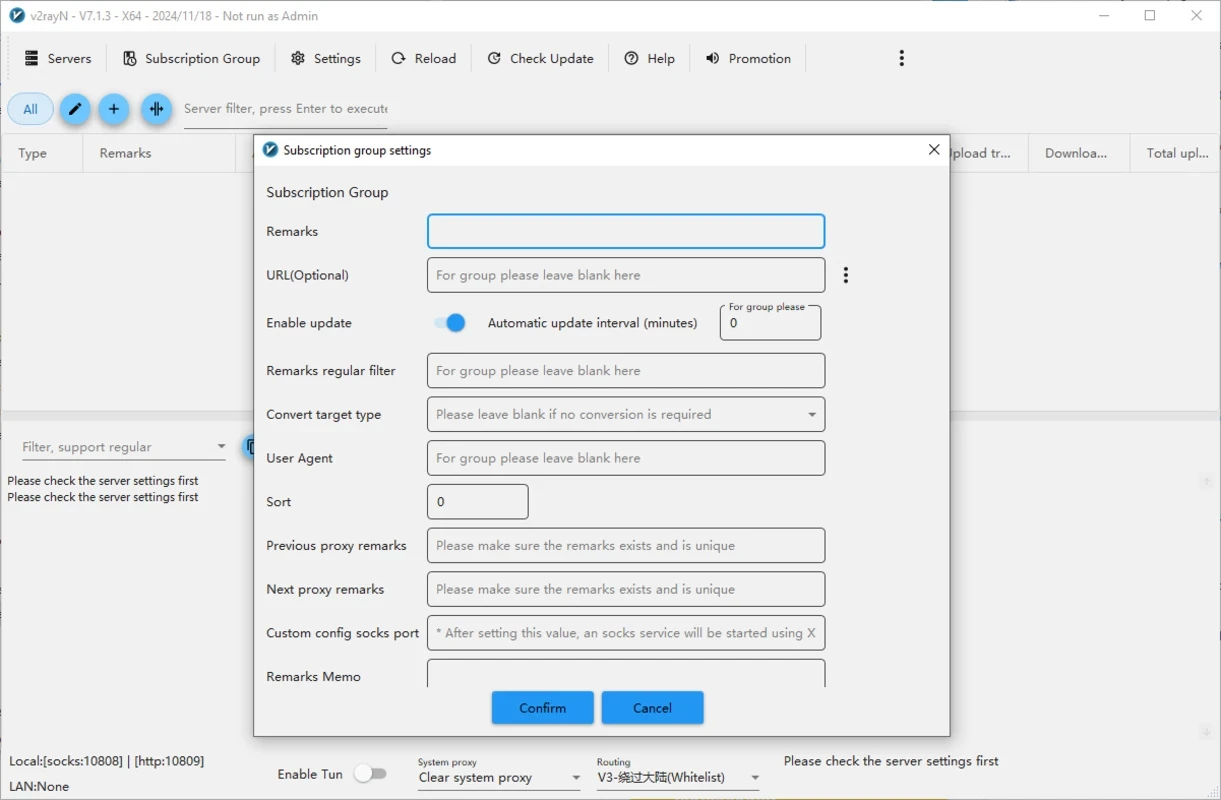
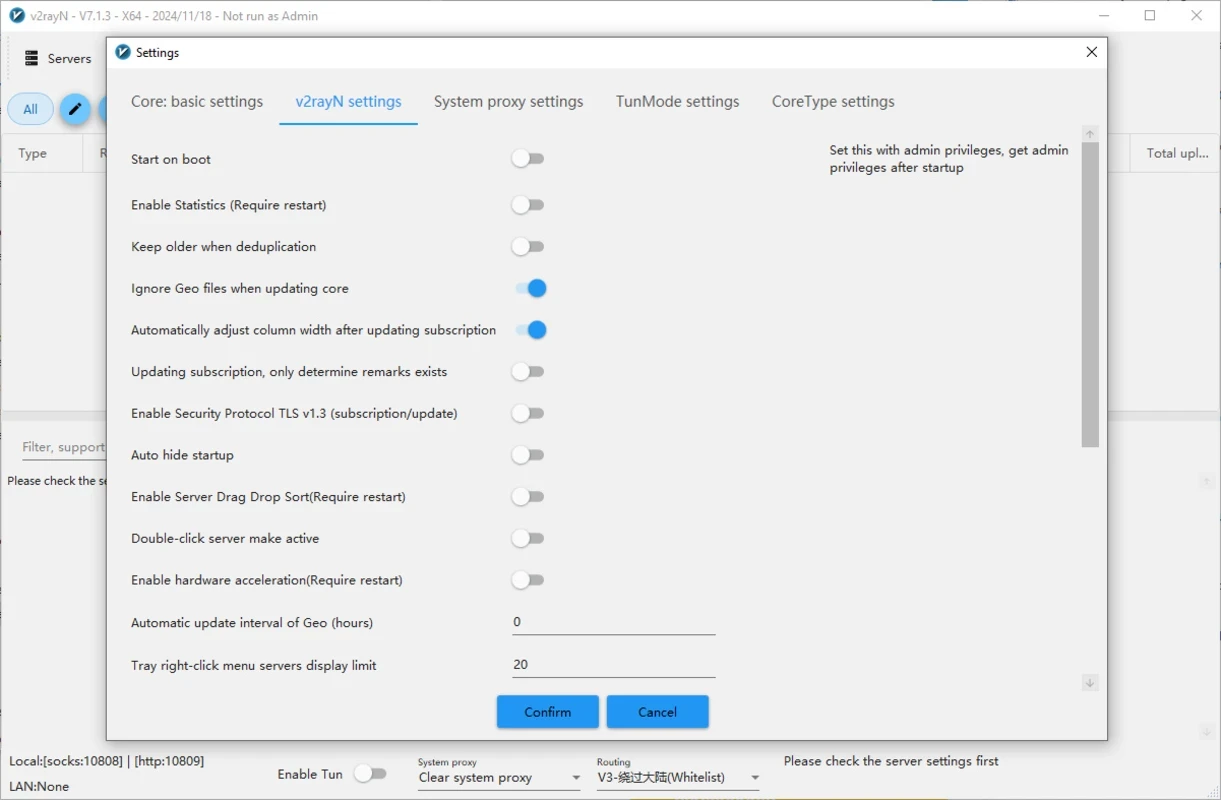
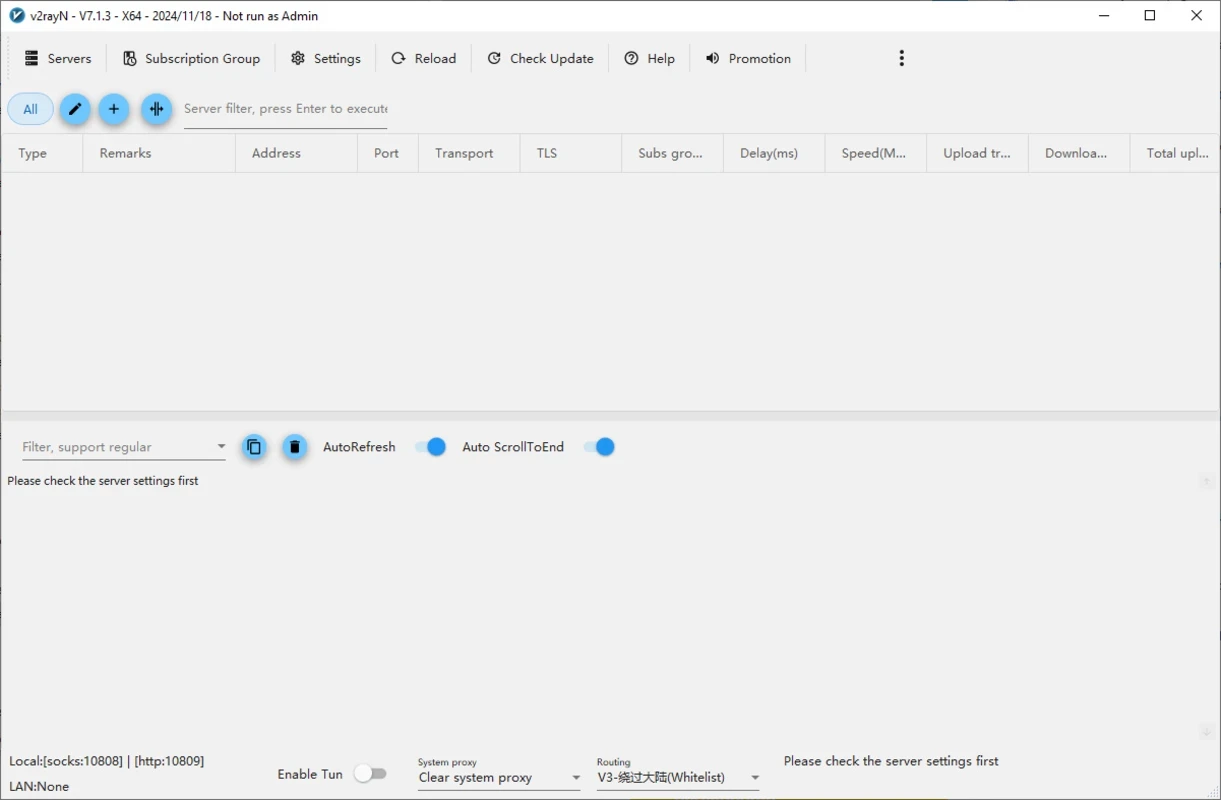
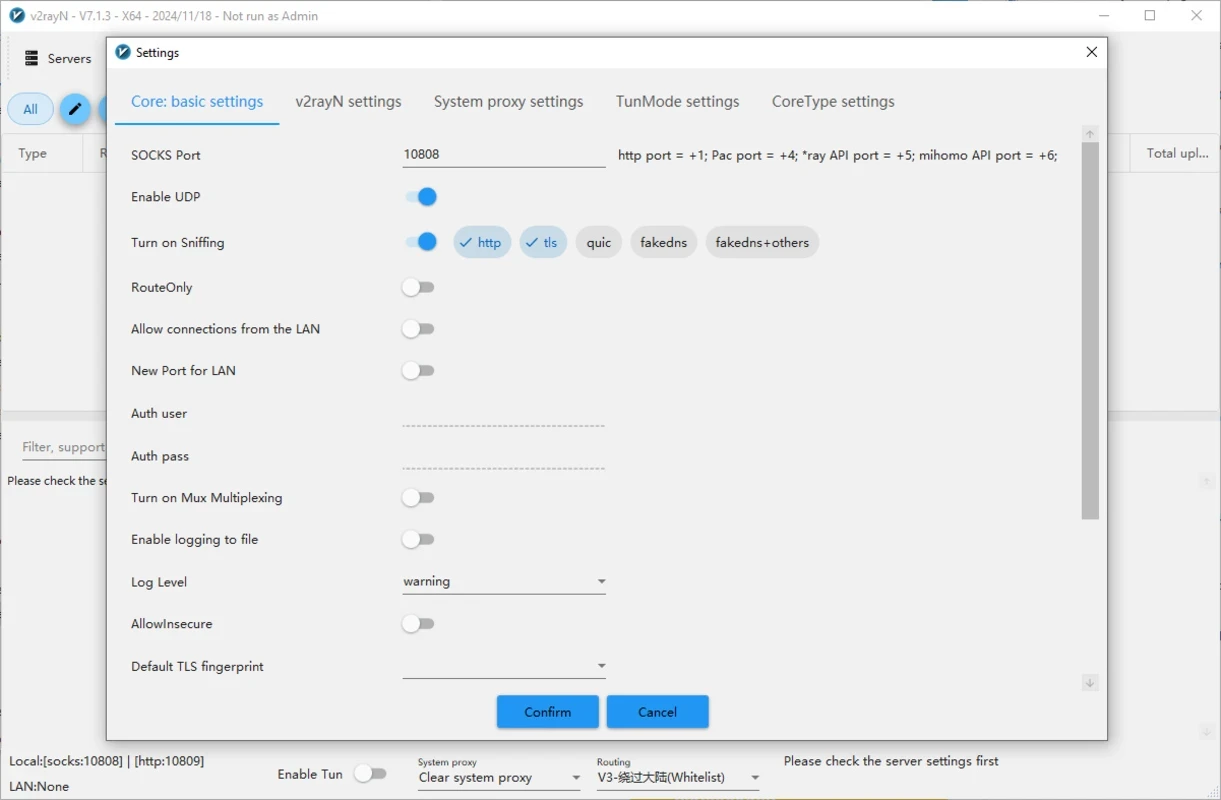
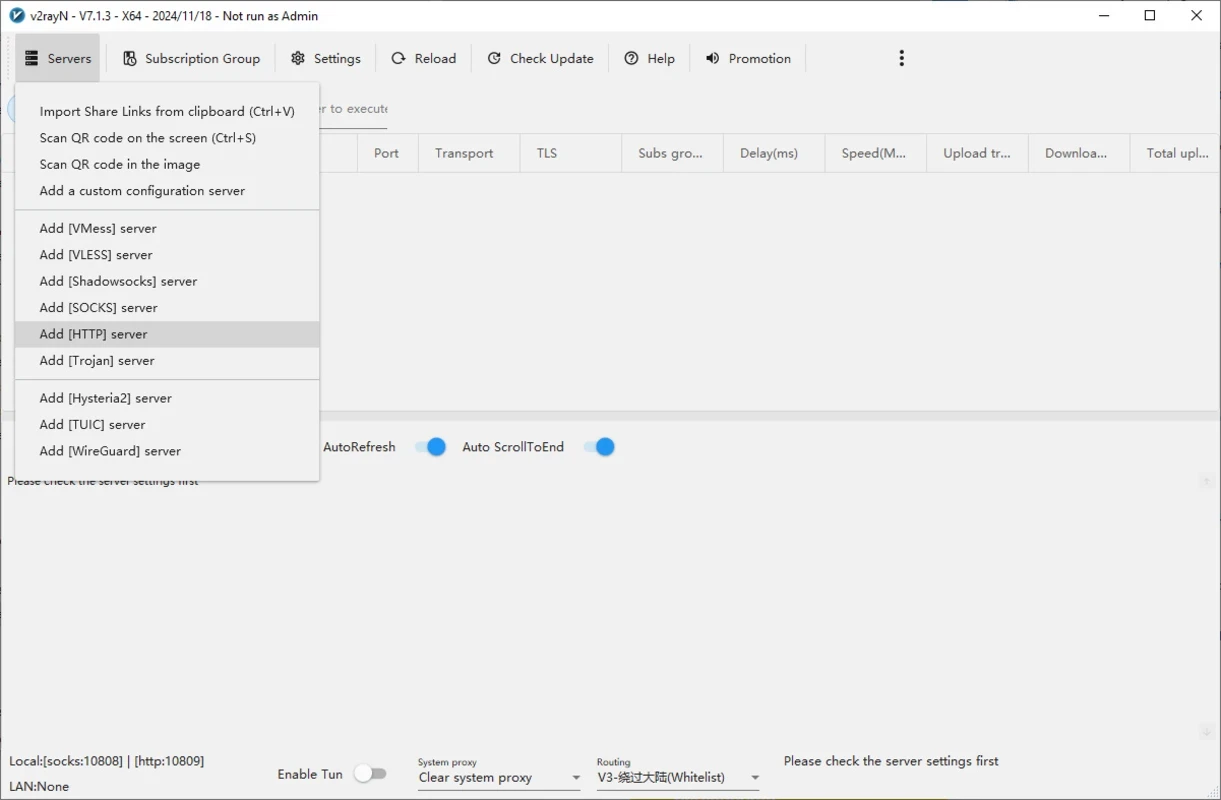
v2rayN 7.24.9 is a free and open-source proxy client for Windows developed by 2dust. You download v2rayN when you have access to a proxy server built on Xray, v2ray or sing-box, and need a graphical program to connect to it, manage several servers and decide which traffic goes through the proxy.
Projects like v2ray, Xray and sing-box are powerful network engines that support modern proxy protocols, including VMess, VLESS, Trojan, Shadowsocks and others, often disguised as ordinary HTTPS traffic. They are designed to be configured through text files, which is inconvenient for most people. v2rayN puts a Windows interface on top of these cores. You add servers by pasting share links, scanning a QR code or importing a subscription URL from your provider, and the program keeps the list up to date. With one click it starts the core and sets the Windows system proxy, or switches on TUN mode, which routes all apps rather than only those that respect proxy settings. Routing rules let you send only blocked or foreign sites through the proxy while local sites connect directly. Speed and latency tests help you pick a quick, responsive server. The project is developed openly on GitHub.
If you have no server or subscription, v2rayN does nothing on its own: it is a client, not a service. People who just want privacy on public Wi-Fi will find a commercial VPN app with its own servers much easier.
The package is about 140.07 MB according to catalogue data, because it bundles the proxy cores.
The server operator can see your connection metadata, so use servers you trust. Download the client only from the official repository or site; modified builds could leak traffic. Check local laws on circumvention tools.
v2rayN is free; servers and subscriptions are provided separately, sometimes for a fee.
Hiddify and Happ on our site are other clients for similar protocols, while Proton VPN, Mullvad VPN and Psiphon provide their own servers.
Psiphon is a free and open-source internet censorship circumvention tool for Windows that connects you to blocked websites through its own network.

1111 Warp VPN is Cloudflare's WARP client for Windows, which encrypts DNS and traffic between your PC and Cloudflare's network.

Turbo VPN for Windows is a VPN client from Innovative Connecting that encrypts your connection and routes it through the provider's servers.

Proxifier is a Windows program by VentoByte that sends the network traffic of any application through a proxy server, even if the app has no proxy settings.

VPN Planet is a Windows VPN client from FreeVPNPlanet with a free option, available from its website and the Microsoft Store.

Radmin VPN is a free Windows program from Famatech that connects computers over the internet into a virtual local network, for LAN games and remote access.

Hotspot Shield is a VPN app for Windows that encrypts your internet connection and changes your virtual location.

Hamachi is a VPN application for Windows that connects computers over the internet as if they were on the same local network.